Terrafrom Drift Detection
How detect out-of-band changes to Azure environment
TERRAFORMAZURE
Jack Jalali
3/8/20264 min read
Configuration Drift in Shared Environments
When multiple teams have Azure portal access, managing cloud environments becomes problematic! One team's "quick fix" becomes another team's 3-hour incident. This is when Terraform exclusivity is the only scalable enforcement tool.
Azure policies can block portal changes, but only Terraform proves what should exist vs. what does exist.
In this post I propose a method of identifying and remediating out-of-band changes using terraform. To make sure intentional infrastructure wins over accidental infrastructure.
Tools and workflows
My IDE, vscode is linked with my Azure DevOps which in turn is used to deploy resources to my Azure environment using pipelines.
There are two major possibilities:
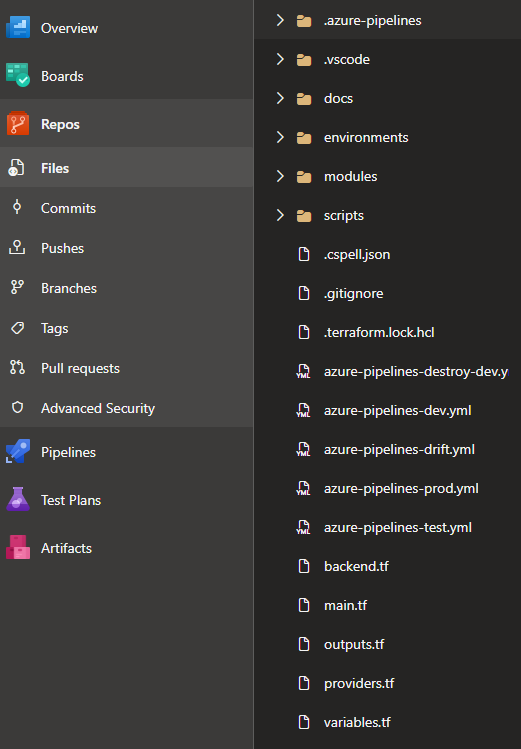
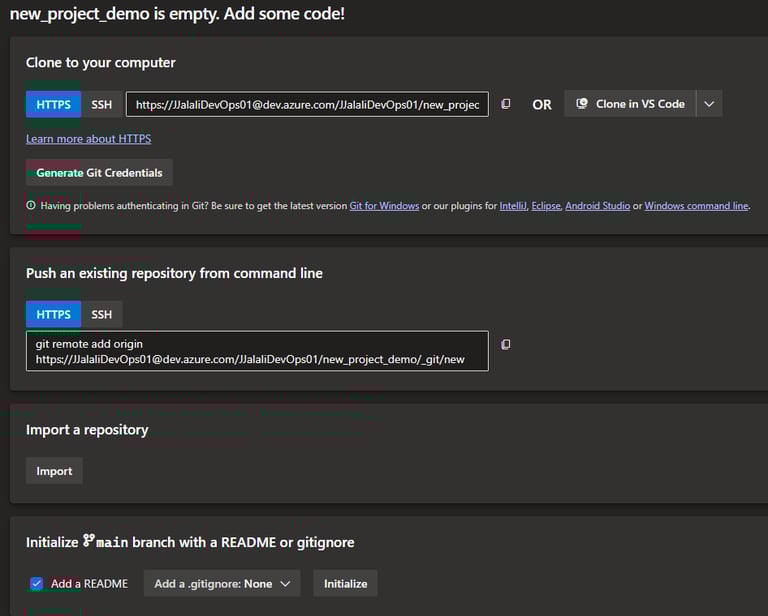
start a fresh project from vscode, create the file structure and develop your codes. Once done sync your code with Azure Devops:
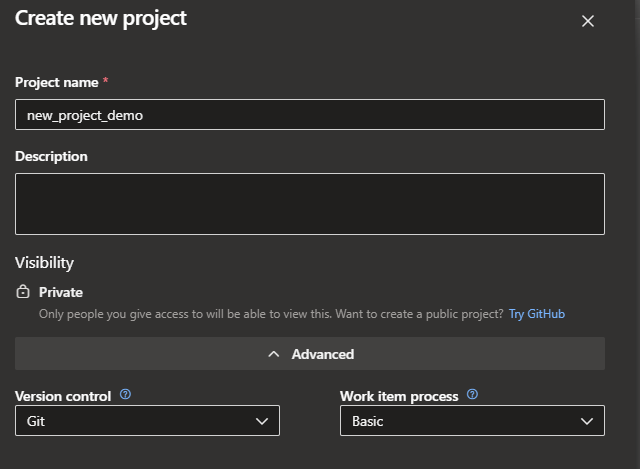
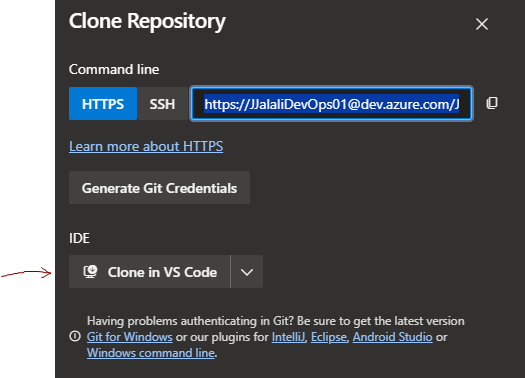
Or a DevOps project already exists and needs to be cloned to a new vscode workspace:
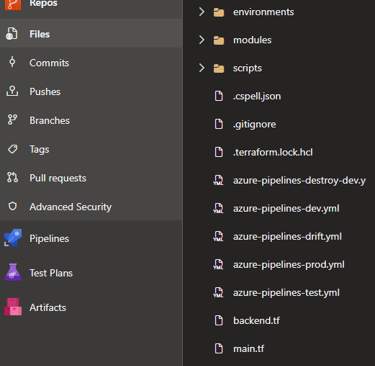
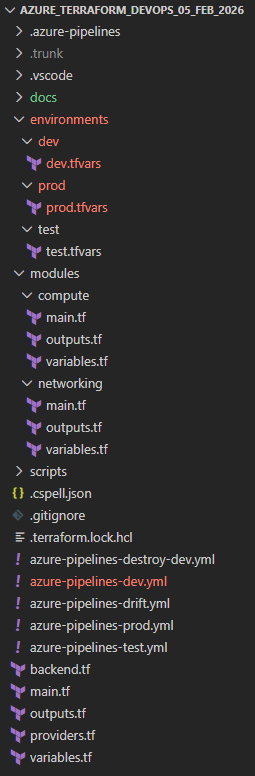
my vscode file structure: my Azure DevOps:
Important setups:
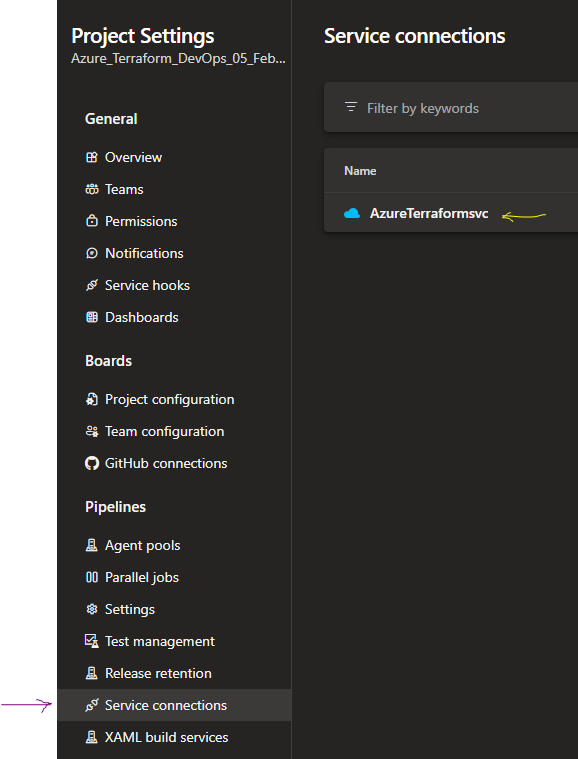
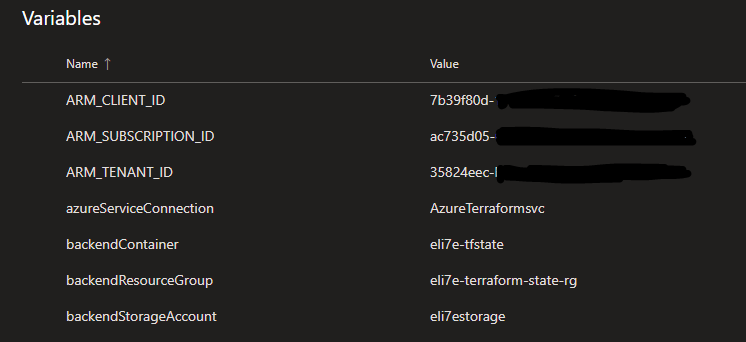
Azure DevOps Service connections must have proper permissions to Azure subscription and storage account.
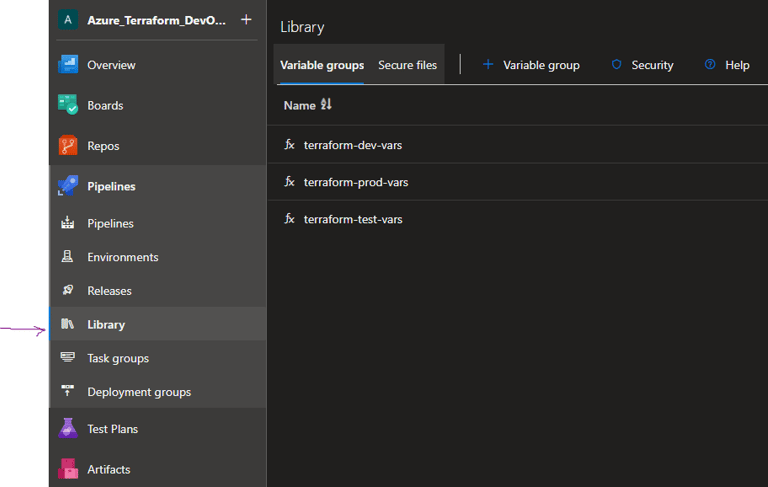
Azure DevOps Library must be used to secure variables for different pipelines.
How Drift Detection Works
Terraform manages infrastructure by maintaining a state file (prod.tfstate) that records exactly what it deployed. Drift occurs when the actual Azure resources no longer match what's in that state file, someone manually changed something in the Azure Portal, a resource was modified by another tool, or Azure itself changed a property.
How Azure DevOps Pipeline Detects Drift
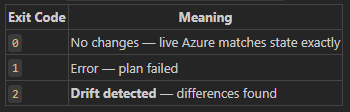
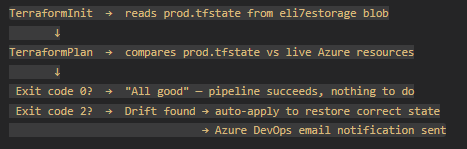
The key is terraform plan -detailed-exitcode. Unlike a normal plan, this flag makes Terraform return different exit codes:
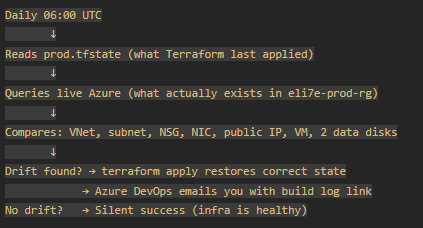
My pipeline runs daily at 06:00 against the prod state:
The plan phase calls Azure Resource Manager and asks: "Here's what Terraform thinks exists, tell me what's actually there?" Any discrepancy produces a diff and exit code 2.
Why It Matters
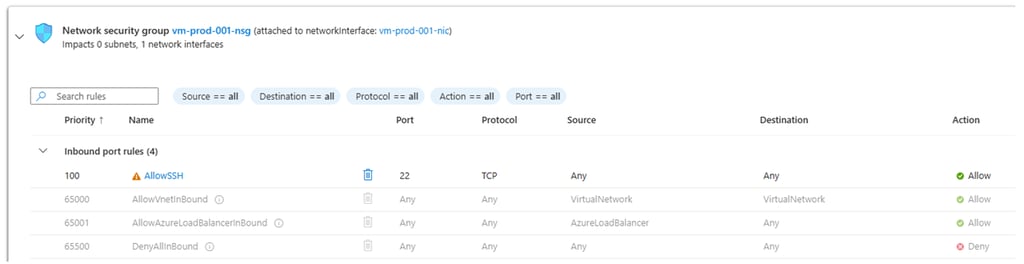
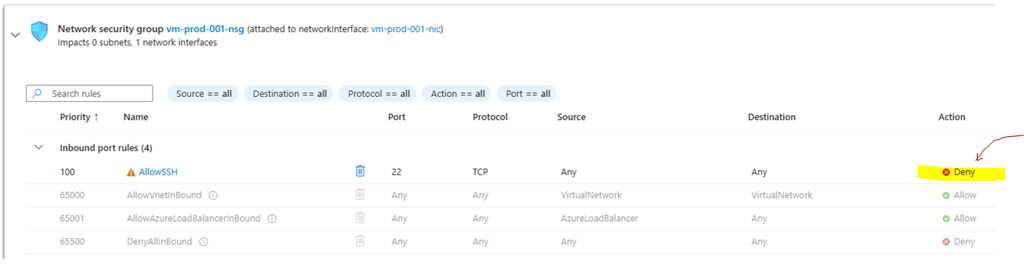
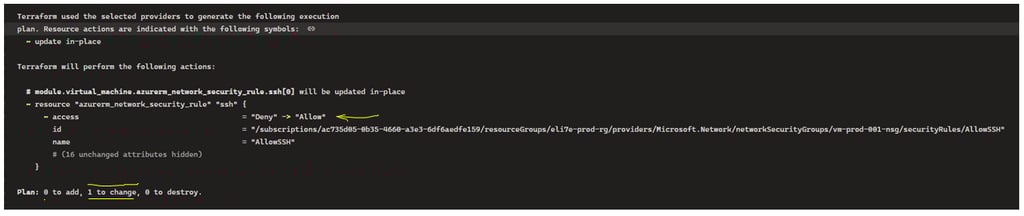
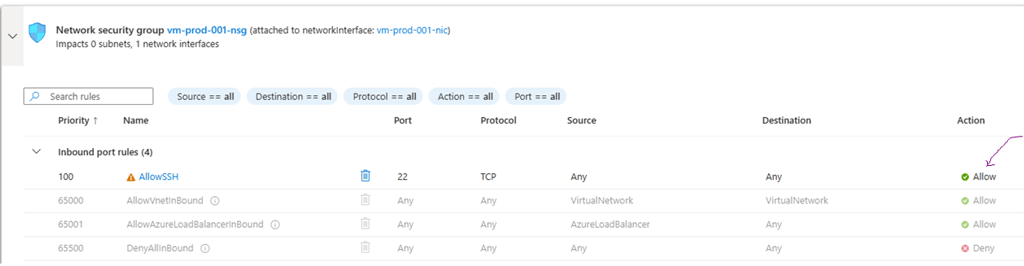
1. Manual changes bypass your audit trail Someone logs into the Azure Portal and disables ssh access to a VM. This change exists nowhere in vscode or DevOps it's invisible to your pipeline, your code reviews, and your compliance records. The next drift run catches it and rolls it back.
Original resource, deployed by terraform:
A manual change:
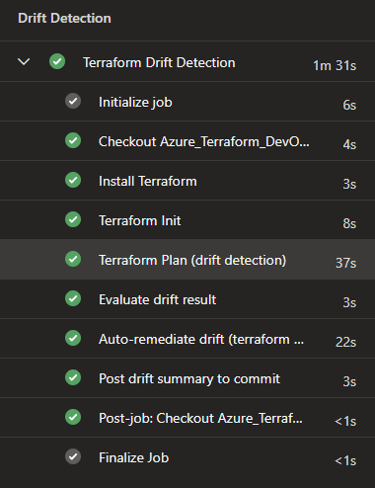
drift detection pipeline runs:
The out-of-band change is identified and remediated:
2. Infrastructure as Code only works if it stays authoritative If manual changes are silently allowed to persist, your Terraform code gradually diverges from reality. Eventually terraform apply on a fresh environment produces something different from prod — breaking the whole point of IaC.
3. Security posture A security misconfiguration — someone opening port 22 to 0.0.0.0/0 instead of the restricted allowed_ssh_source — would be caught and corrected automatically within 24 hours at most, rather than sitting unnoticed indefinitely.
4. Accidental changes Azure itself occasionally modifies resource properties during platform updates (tags, SKU metadata, etc.). Drift detection surfaces these before they cause outages or compliance issues.
5. Disaster recovery validation If the drift pipeline runs successfully with exit code 0, you have daily proof that your Terraform code could recreate prod faithfully. It's a continuous smoke test of your IaC.
My simplified workflow
Without this, the only time you'd discover drift is when a deployment fails or something breaks in production, by which point the divergence may have been there for weeks.
As usual, all codes are in my github.