Azure Resource Group Decommissioning Tool
Using terraform to decommission multiple Azure subscriptions
TERRAFORMAZURE
Jack Jalali
2/28/20264 min read


Terraform code for inventorying and safely deleting multiple Azure subscriptions.
I was tasked with deleting over 20 Azure subscriptions, each having multiple resources and resource groups. Very soon I realised that tackling this task manually was a laborious, error-prone and time consuming. Additionally, as all subscriptions were on a production Azure tenant, there was no appetite for a fully automated deployment. Therefore, I believe the below procedure achieves a realistic balance between automation through terraform and manual checks and approvals by cloud engineers.
This solution automates Azure subscription decommissioning using Terraform, combining security-conscious identity management with operational safeguards.
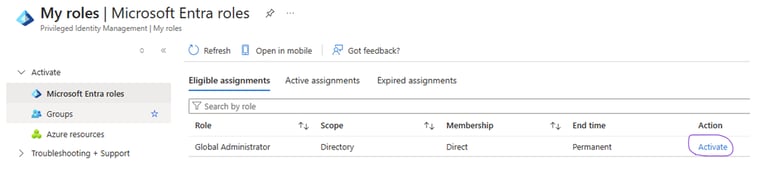
Identity & Access Authentication is handled through a dedicated service principal scoped to each target subscription, ensuring the blast radius of any credential is limited to a single subscription. This integrates with Azure Privileged Identity Management (PIM), meaning elevated access is only activated on demand for the duration of the deletion operation — rather than using permanently assigned roles.
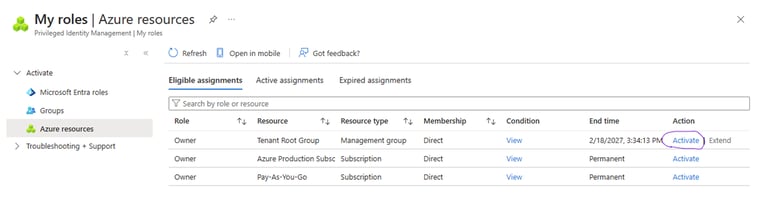
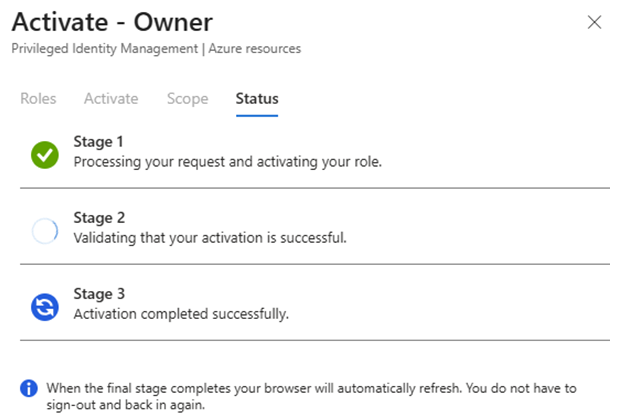
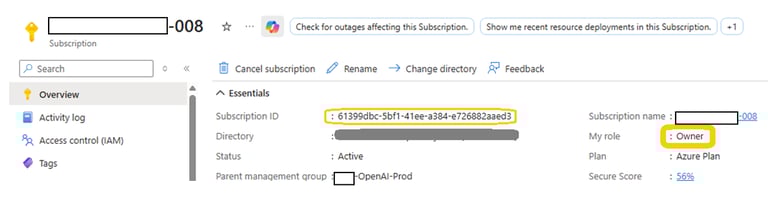
Now as the owner of the tenant root group resource, the user has visibility of all subscriptions for a limited time window that was set earlier. Overview details of a typical subscription is show below:
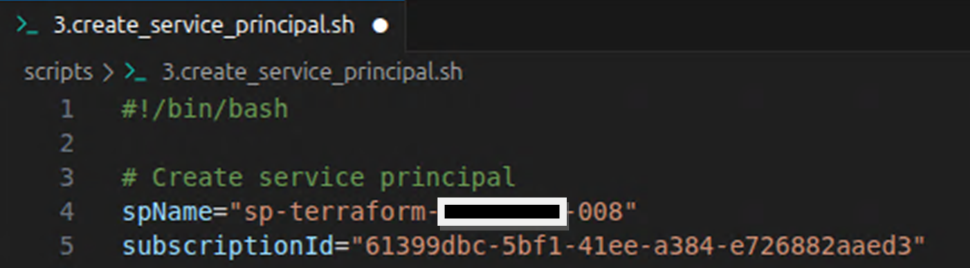
Now the script, 3.create_service_principal.sh, can be modified for the selected subscription. When executed, a service principal account with a "contributor" rights for the selected subscription alone will be created, ensuring the blast radius of any credential is limited to a single subscription :
now the user logs into azure, az login, and selects the targeted subscription:
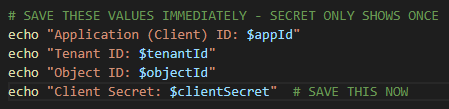
Once the subscription is selected the script, 3.create_service_principal.sh, can be executed. The outputs from the script is recorded to be used in the next part of the procedure.
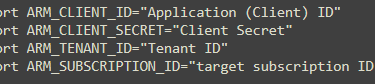
now the user should log out of the current Azure session and run the exports as shown below:
now login as the service principal:
once logged in, you can also verify the resource group and all the resources that are within the target subscription:
Safeguards Against Accidental Deletion Several layers of protection prevent unintended deletions:
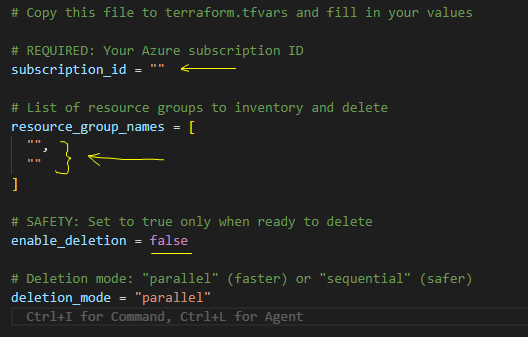
enable_deletion defaults to false, meaning a terraform apply with no explicit override is a no-op for destructive actions
The subscription_id input is validated against a GUID regex at plan time, rejecting malformed values before any Azure API calls are made
deletion_mode is constrained to only "parallel" or "sequential" via a validation block, preventing unexpected behaviour from invalid inputs
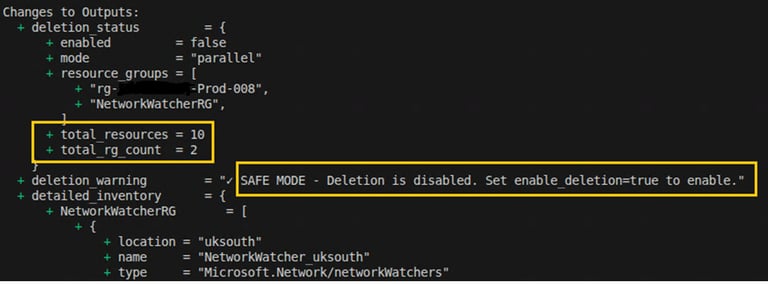
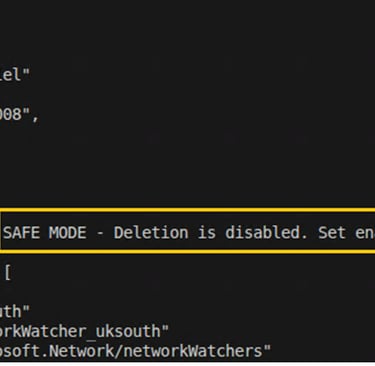
A prominent output (deletion_warning) surfaces a clear status message at the end of every plan and apply, indicating whether deletion is live or in safe mode
Pre-deletion Inventory & Feedback Before any resources are touched, Terraform queries Azure and surfaces a full inventory to the operator via outputs:
resource_groups_summary — lists each resource group with its location, tags, and resource count
resources_by_type_count — aggregates all child resources by type across the targeted groups
detailed inventory — provides a per-resource-group breakdown of every resource name, type, and location.
This means the user can run terraform plan or terraform apply with enable_deletion=false (the default) as a dry-run to review exactly what exists before committing to deletion.
After terraform init and terraform plan, once the use has verified that only the resources within the target subscription will be deleted by terraform. The enable_deletion switch in the script is enabled and terraform apply --auto-approve is issued which results in the deletion of the desired resources.
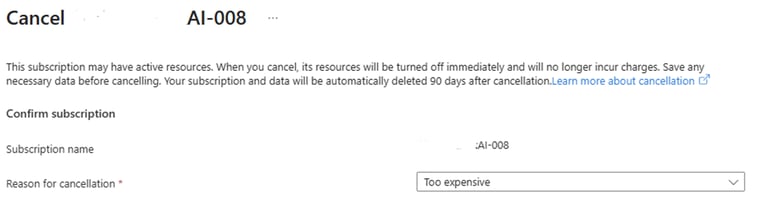
Once the resources are deleted the subscription can safely be deleted:
all scripts can be access from my github.